Getting Started with Shards of Order
Full game unlocks today at 6 PM CET — or try the free demo first. Pick your party and learn what makes this card RPG different.
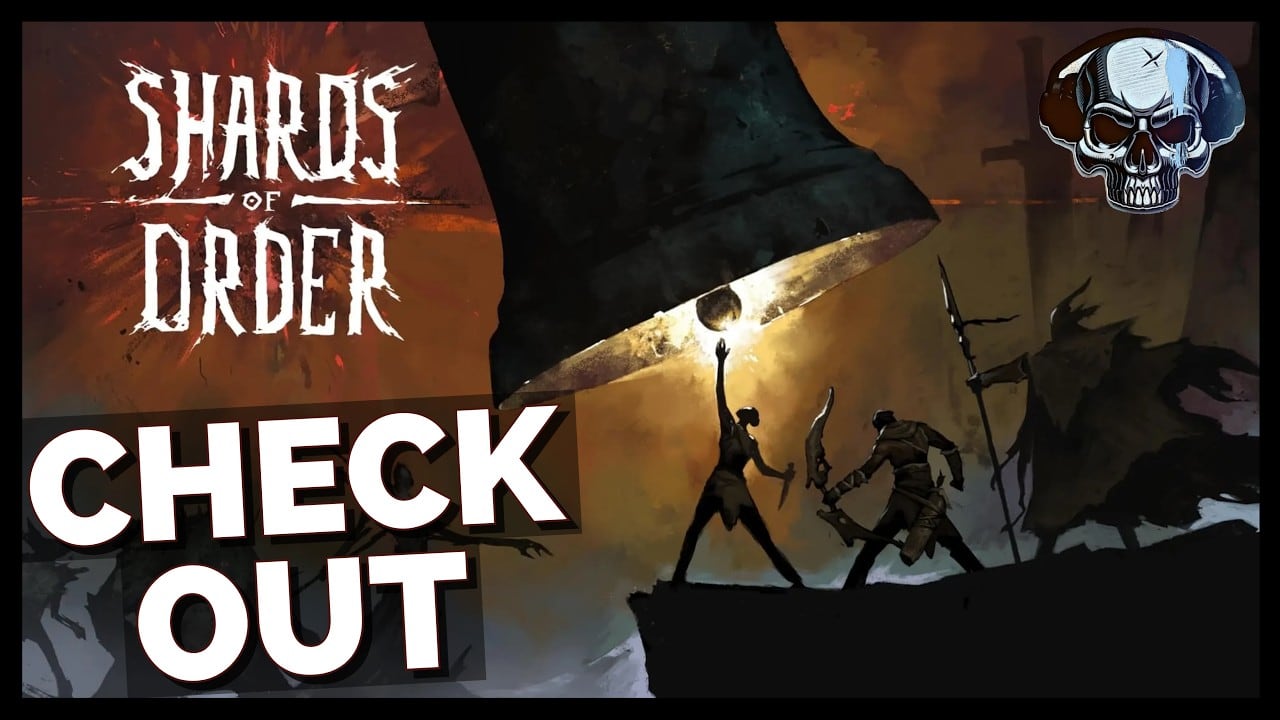
Shards of Order is a dark fantasy card RPG developed by Fardust and published by Awaken Realms. The full game launches today, July 28, 2026, at 6 PM CET on Steam PC, and a free demo remains live — search Steam for Shards of Order (main app 3432480) and install the demo (app 3672010) to play roughly forty-five minutes of content without buying the full game. This guide covers everything you need before your first node, with deeper mechanics linked throughout the wiki.
For the full systems overview in one page, read How to Play after this intro. Confirm your PC meets System Requirements before the unlock window.
What kind of game is this?
Despite visual similarities to deckbuilders, Shards of Order is not a roguelike and not a roguelite. In July 24, 2026 Steam news, the developers stated explicitly: no runs, no progression reset, and XP upgrades persist across the campaign. Your progress persists, there is no permadeath run wipe, and the dungeon map is not procedurally generated each attempt. Instead you navigate a branching node map you can revisit, building a shared party deck across three heroes while restoring laws that reshape how the world works.
If you expected a Slay the Spire-style reset loop, reset that expectation early — it changes how you value gear, map backtracking, and knockout recovery. Read the Combat System guide next for the time-counter rules that define every fight.
Respec from day one
You can respec skill points from the start of the campaign. The joint skill tree UI includes a large on-screen tip next to the tree — highlighted in the same July 24, 2026 developer post — so new players know builds are not locked. Try Soldier, Scholar, and Exile allocations during the demo or first region, then adjust before harder bosses. See Builds for party compositions that pair well with early respec experiments.
Installing and launching
Full game (launch day):
- Open Steam at 6 PM CET on July 28, 2026.
- Install or update Shards of Order from your library.
- Launch and complete introductory prompts.
- Follow Launch Day for day-one checklist items.
Free demo (any time):
- Open Steam on PC and search for Shards of Order.
- Install the demo (app 3672010) from the main listing.
- Launch and complete introductory prompts.
Bookmark this wiki and the Guides hub for mid-run reference. There is no console or mobile version in the current release plan — guides assume keyboard and mouse on Steam PC, with controller support per Steam. For input specifics, see the Controls guide.
Your party: three heroes, one deck
Launch and demo share three playable characters who use a single combat deck:
- Soldier — leans on rage and strength, straightforward damage and durability.
- Scholar — generates three mana types from ally damage, rewarding coordinated sequences.
- Exile — uses four arrow slots for ranged pressure and setup.
Warlock and Bladedancer appear in story but are not permanent roster slots at launch. You do not maintain separate thirty-card piles per hero. Gear injects cards into the shared deck, so equipping armor and amulets literally changes what you can draw in the next fight. The demo ships five armors, four amulets, and forty-two base cards — see Items and Cards for the full list.
Compare baseline strength on the Character Tier List if you are unsure who to lead with, but all three are viable for demo completion and launch progression.
The core loop in one paragraph
Explore nodes on the demo map or full-game regions, fight enemies using cards that cost time instead of mana, manage enemy countdowns that advance whenever you act, and collect gear that adds new cards to your shared pool. Rest nodes and route choices matter because knockouts apply a crippled state and increase revive card costs. At launch, Fracture stacks further punish careless redraws — previewed in Laws and Fracture.
First-session checklist
Before your first fight: skim How to Play, Controls, and the combat overview below.
During the dungeon: follow the Demo Walkthrough node order if you want the safest first clear.
After a loss: you keep persistent progress — revisit earlier nodes, swap gear, and adjust your deck using Deckbuilding principles.
Before bosses: read the Boss Guide for demo bosses and regional gatekeepers.
Combat essentials (preview)
Fights have no turns and no mana. A time counter governs everything:
- Playing a card costs time and ticks enemy countdowns closer to their actions.
- Drawing costs time unless you have already played three or more cards that sequence — then your next draw is free.
- Movement costs one time.
At launch the redraw timer starts at 4 with time-linked reduction — see Redraw and Queue. This means spamming draws early is dangerous, and sequencing three cheap cards before refilling your hand is often correct. The Combat System guide expands telegraph reading, knockout rules, and movement tactics.
Demo scope and what comes next
The demo contains one dungeon, twelve enemy types, nine encounters (including two bosses and one miniboss), and about forty-five minutes of content. It is dense — enough to learn systems but not enough to exhaust build variety. The full game adds three regions and launch reworks documented on Launch Day.
Use Builds and the Deck Calculator to experiment. Track launch details on Release Date and broader lore on the Wiki. When you are ready to judge the demo holistically, the Review guide offers a structured verdict.
Common beginner mistakes
Treating knockouts as run-ending. Heroes become crippled and revives get costlier, but your map progress remains. Plan recovery instead of reloading.
Ignoring gear card injection. An amulet that adds a defensive card can matter more than a stat bump — check Items and Cards.
Drawing before the three-card threshold. Free draws are a core resource; structure turns around earning them.
Skipping map revisits. Persistent progression rewards backtracking for missed gear or safer paths — see Demo Map.
Assuming demo rules equal launch rules. Read How to Play and Demo Changes if you last played an early demo build.
Frequently Asked Questions
Quick answers to the most common questions.
Is the Shards of Order demo free on Steam?
Yes. Install demo app 3672010 from the main Shards of Order Steam page (3432480) on PC.
Is Shards of Order a roguelike or roguelite?
Neither. July 2026 Steam news confirms no runs, no progression reset, and persistent XP upgrades. Knockouts cripple heroes but do not wipe your save.
Can I respec skills from the beginning?
Yes. Respec is available from the start with a large UI tip next to the joint skill tree, per July 24, 2026 developer news.
Do I lose everything when a hero is knocked out?
No. Knockouts apply a crippled state and raise revive costs, but there is no permadeath wipe and map progress persists.
Which hero should I play first in the demo?
Soldier is the most intuitive starter, but all three demo heroes can clear the dungeon. See the tier list for meta leanings.
How long does the demo take?
Expect roughly forty-five minutes for a first clear, longer if you revisit nodes for gear or experiment with builds.
Where do I learn combat in depth?
After this page, read the Combat System guide for time counters, draw rules, and enemy countdown behavior.
When does the full game release?
Today — July 28, 2026 at 6 PM CET on Steam PC. The demo remains free. See Launch Day and System Requirements for install details.
Should I play the demo or buy the full game first?
Both paths work. The demo teaches core loops in about forty-five minutes; the full game adds three regions and launch rework systems. Read How to Play for the diff.